


 AI upload blocked
Stop data lossat the click, not after it.
Enforce blocks risky sites, inspects downloads and governs AI tools in the browser and on the endpoint, and keeps enforcing when your gateway goes down.
Supports
We work with








01The problem
Your data now flows into AI,right inside the browser.
Staff paste customer records and PII into AI tools, and risky files assemble right inside the page. To a network gateway it is all ordinary traffic to trusted domains. The browser is the blind spot.
02The answer
Enforce decidesinside the browser.
On the device, at the click. Allowed, held or blocked, and tied to a named user.
Built for defenders
Everything Enforce controls, in the browser.
Five controls, one extension and one agent, under a single policy. Here is what each one does.
AI activityLast 14 days
219Uploads blocked
4,120Chat allowed
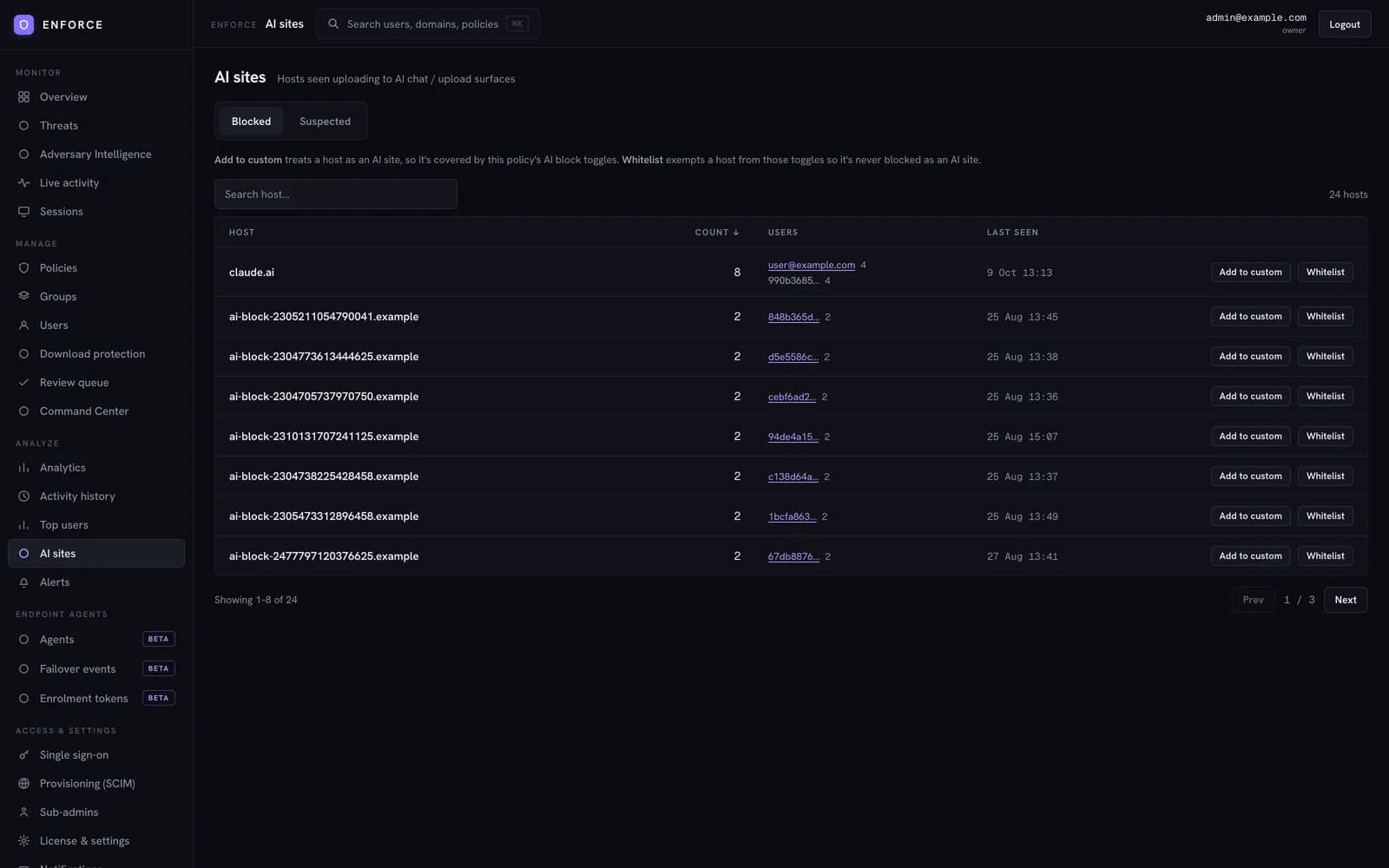
Keep sensitive data out of AI tools.
Customer records, financial details and source code get pasted and uploaded into AI chatbots every day. It leaves as ordinary encrypted traffic to a trusted domain, so your gateway and endpoint DLP never see it. Enforce controls AI use inside the browser, before the data leaves.
- Allow AI chat, block file uploads, or block the site outright
- Stop the path a network gateway and endpoint DLP cannot see
- Strip AI answers from search, with SafeSearch forced on
- See the AI tools nobody has classified, approve the ones you trust
The Enforce platform
One platform, browser to console.
The extension and the agent enforce at the point of use. The console holds one policy and the whole record. Intelligence and the tools you already run feed in.

Works with what you already run.
Sign in, user sync, alerts and rollout run through the tools your team already uses. Nothing to replace.
Plus Windows, macOS and Linux, through Group Policy or your device management.
Explore integrations- Microsoft Entra ID
- Okta
- Google Workspace
- Keycloak
- Slack
- Grafana
 Google Chrome
 Microsoft Edge
 Mozilla Firefox
 Safari


Questions security teams ask first.
Does Enforce replace our browser?
No. Enforce is an extension for Chrome, Edge, Firefox and Safari, plus an agent on Windows, macOS and Linux. Your people keep the browser they already use.
Does it replace our secure web gateway?
No. Enforce runs alongside your gateway at all times and governs what the gateway cannot see inside the browser. If the gateway fails, the agent moves traffic to a backup path and keeps enforcing.
Is our employees' browsing history sent to a cloud service to be checked?
No. The threat list ships down to the browser, so known bad destinations are checked on the device. Block events and browsing activity reach your console for reporting. Blocks are kept for 12 months and browsing data for 3 months.
Where is our data stored?
On the SaaS platform your data sits in the Enforce managed environment. On-premises, it never leaves your own infrastructure.
What happens if the browser cannot reach the Enforce service?
You decide per policy. Fail open keeps people working. Fail closed blocks until the service is reachable, and alerts admins the moment it engages.
Will users know why something was blocked?
Yes. The block page names the reason in plain words, shows your organisation's branding and lets the user request access without raising a ticket.
See Enforce on your own traffic.
We start in watch mode on a group you choose and show you what Enforce would have blocked before anything is switched on.
Talk to sales